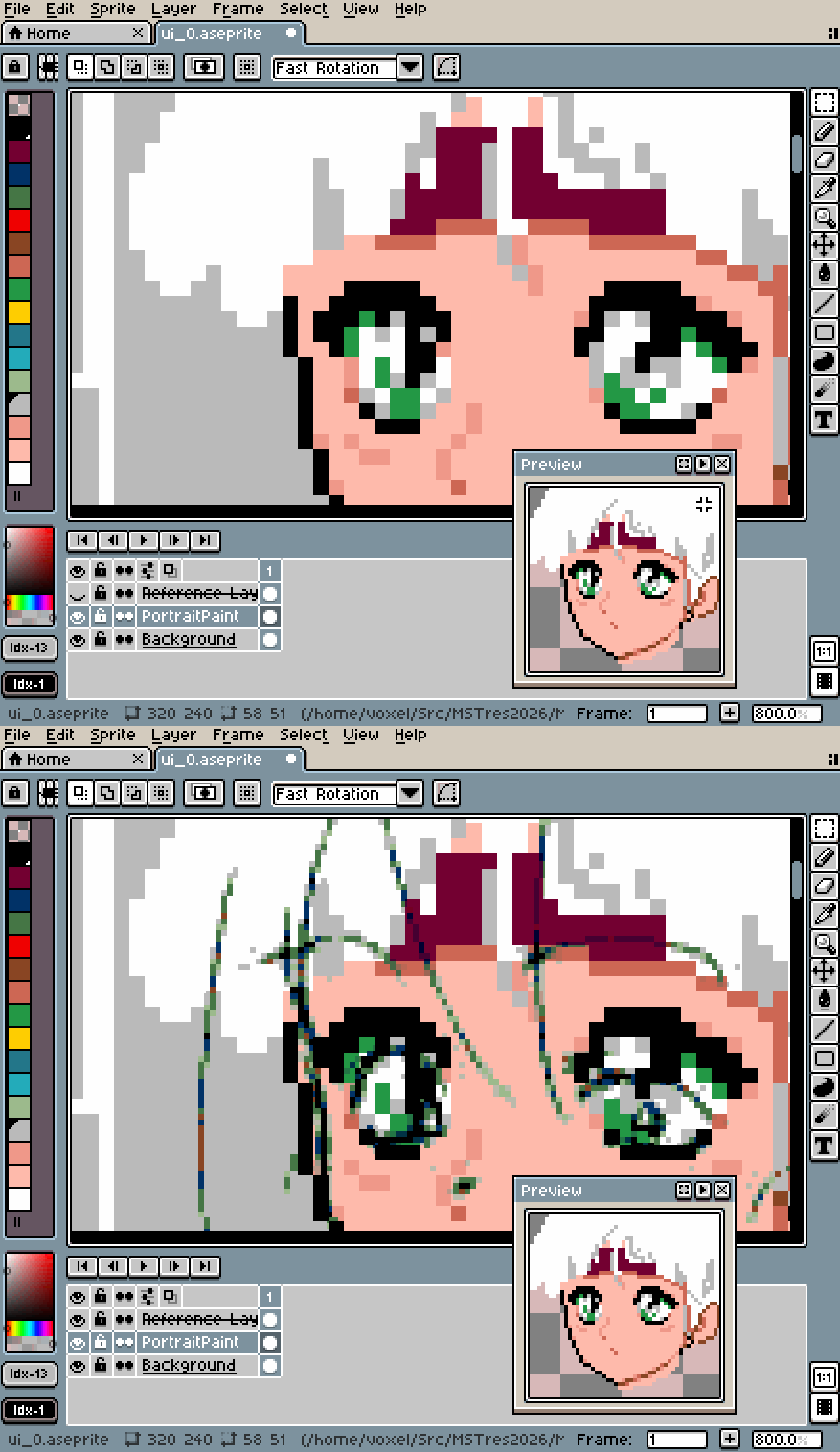
Toggle Aseprite reference layer visibility
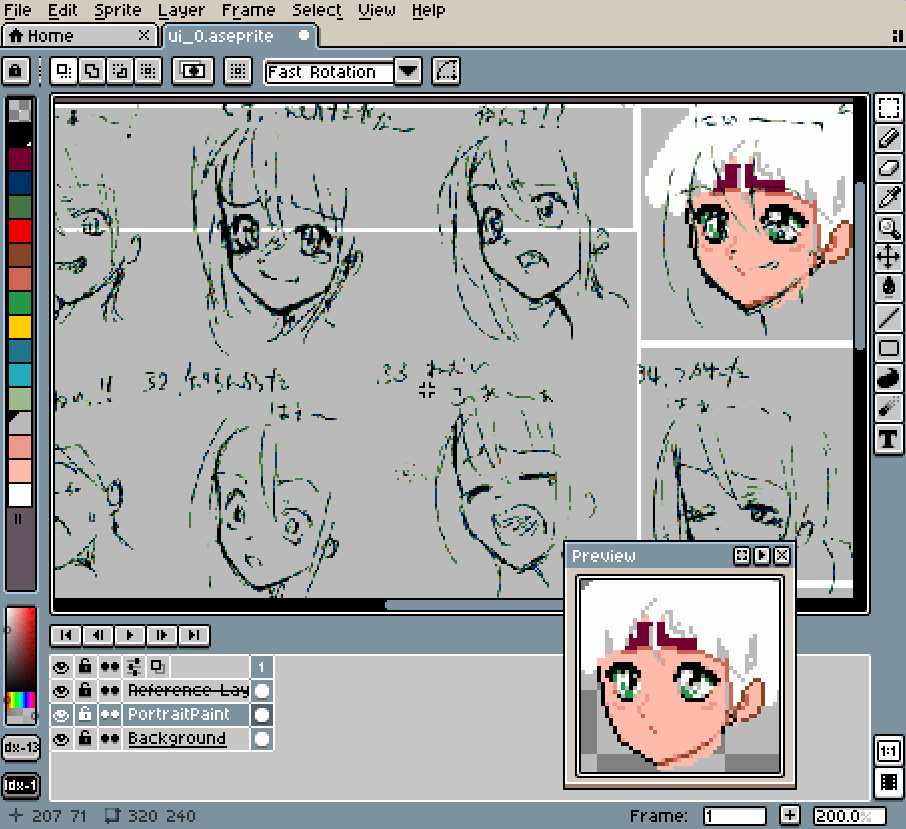 (Uncredited expressions reference)
Aseprite supports reference layers, which can be moved and resized inside an image you're working on, without having to be rendered at the same resolution. So you can have a high resolution reference for your chonky low-rez pixelart.
I like to be able to toggle reference layers quickly, to see my work both with and without the reference. By default, the only way to do this in Aseprite is to mouse click the visibility widget for each reference.
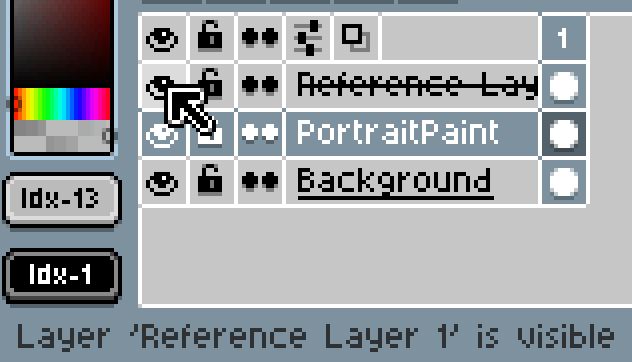
This isn't awful but it's annoying to have to move your stylus/mouse out of the drawing area and is even worse if you have many reference layers. Thankfully Aseprite is extensible via scripting. Here's a lua script that you can drop in your Aseprite scripts folder (find it via File/Scripts/Open Scripts Folder).
--2026 08 31 voxel
--toggle visibility of all reference layers

local sprite = app.activeSprite
--if there's no active sprite then just fail silently
if not sprite then
  return
end

--for every layer
for _, layer in ipairs( sprite.layers ) do
  --test if reference layer
  if layer.isReference then
    --toggle visibility
    layer.isVisible = not layer.isVisible
  end
end

--tell aseprite that something changed
app.refresh()
The script checks every layer in the current sprite to see if it's a reference layer, and if so, toggles the visibility. Great!
Tell Aseprite to rescan the scripts folder (File/Scripts/Rescan Scripts Folder) and the script will appear in the File/Scripts menu. Which still isn't easy enough. So open the Keyboard Shortcuts editor () and search for Scripts or Toggle Reference Layers, and assign your choice of shortcut.
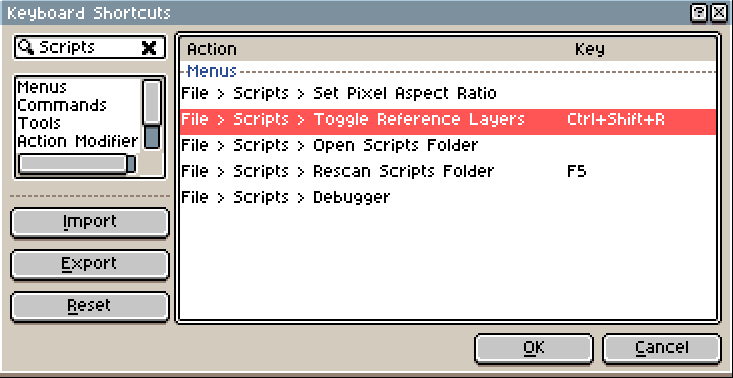
I used Ctrl+Shift+R, you can use whatever you like. Now repeatedly mash this shortcut to make sure it's working. Enjoy