Lowspec Friendly site
Fell off the blogwagon for a while there.
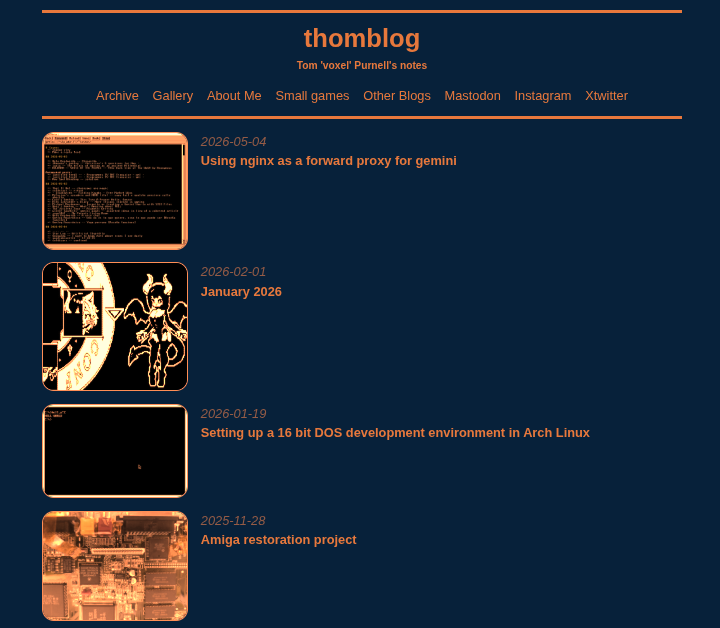
Created a blue and orange blog theme that I liked.. for a week. Then I hated it and killed it before making a new light theme that looks more like paper. Actually I think I've tried orange-on-blue at least twice before and disliked it so much that I've deleted it and not bothered keeping records.
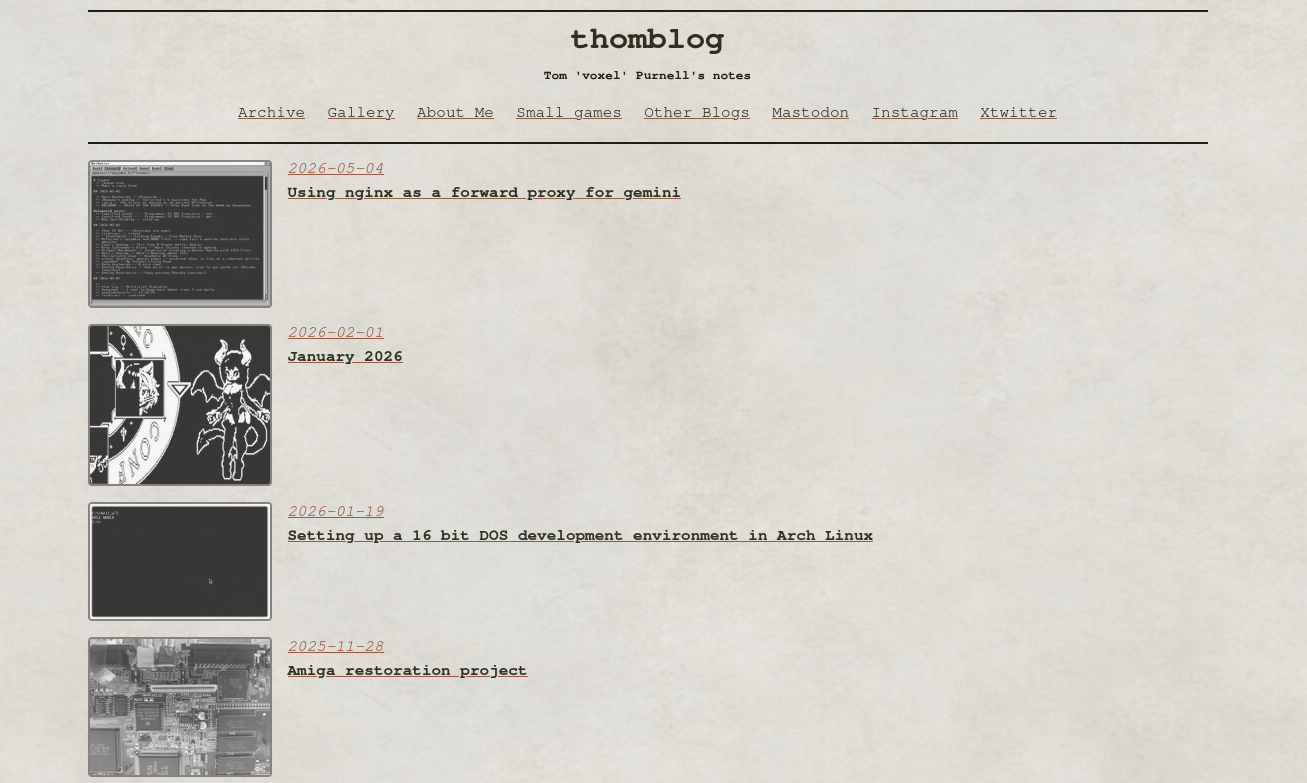
The site now looks like this. Which you can see if you're actually on the blog and not using a reader, and I haven't changed it yet again.
Low spec websites
I've also started to make the site more compatible with old, low spec machines and their browsers. I don't want parity so much as 'graceful degradation', a totally usable site on my Amiga 1200 or Dreamcast, without worrying about having an identical experience to a modern browser on a contemporary device. I'm not fully there yet, embedded media (i.e images) are a challenge for devices with limited ram, and you can forget about video in the browser.
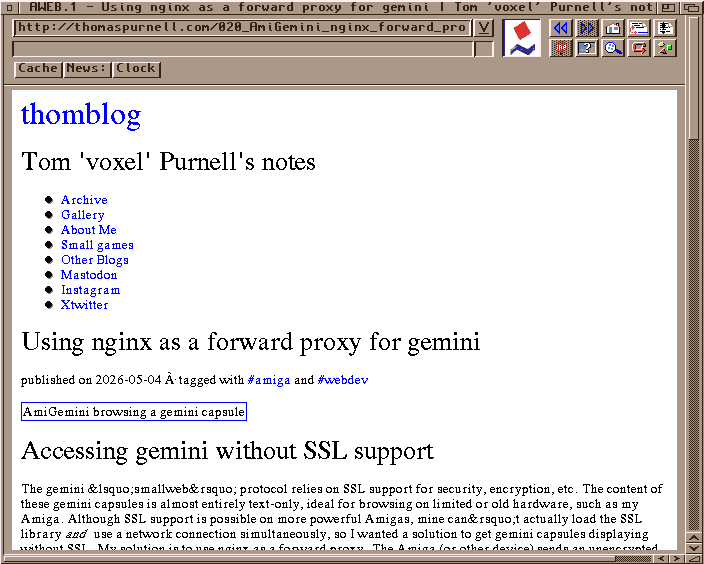
This is how the site currently appears in AWeb on my Amiga. Not fantastic, but functional!
HTTP(S)
The main obstacle getting my site working on my Amiga was HTTPS. I can run a SSL library on my Amiga if I have access to the full 8MB I've installed, but for technical reasons I can't use my current network card without disabling half of that memory. So I'm left with 4MB and no SSL. We did browse websites before and without SSL, urls prefixed with http: instead of https:. Nowadays your browser will probably sound an alarm and flash warning sirens at you if you visit a site using this insecure method, warning you about hackers being able to eavesdrop or snoop your data. This is true but also I'm not asking you to type your credit card details or political affilations into an unencrypted form here. So this site is now served in your choice of http or https flavours.
Character set
The browser I'm using on Amiga doesn't support the full unicode character set we take for granted today. In the screenshot above you may notice an accented 'A' appears on the central tagged line, and that quote marks are replaced with html entity references (an ampersand followed by an entity name and a semicolon). I'm currently using the open source 'blag' site generator. I've forked it and started an 'ASCII' branch (boo github). My changes convert non ascii characters to their closest ascii representation, and prevents the generation of so many html entity references for quotes etc.
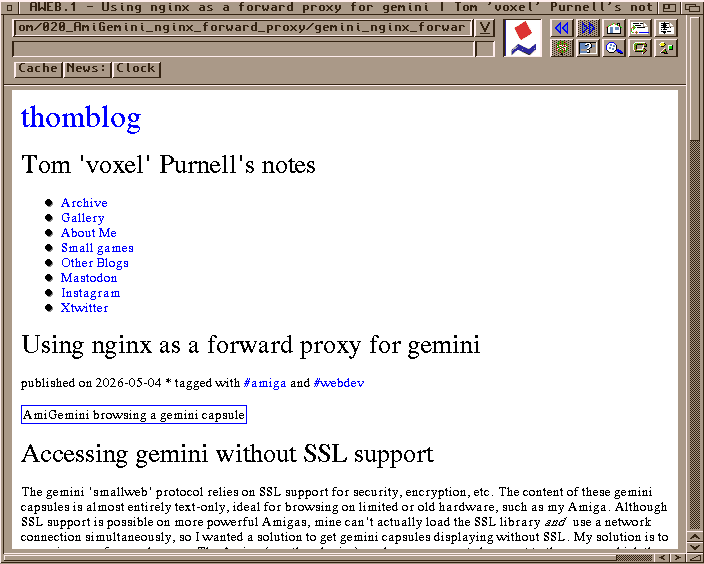
Quotes now appearing as boring straight quotes, and the tag line displays without junk characters.
Images
Graphical elements need memory to be displayed. Photos and other images use an amount of memory that is basically:
number of colours * image width * image height
Traditionally, very small thumbnails were used on webpages to allow for images to be previewed without having to be downloaded in their entirety over a slow connection. This would also help to reduce memory demands, since the image width and height would be much smaller. But this would mean having modern browser users viewing small thumbnails too. I could use javascript to manage this, but I'd prefer to keep the blog script free if possible. So for now I've limited myself to optimising the index page images. The image for each article is a small low-colour gif generated at site build time using imagemagick.
find site_dir -iname banner* -exec magic mogrify -format gif -resize 180x144^ -gravity center -extent 180x144^ -posterize 8 -remap netscape: {} \;
This recursive search-and-execute lets me keep the original banner images in whatever format I made them (jpg for photos, png for screenshots etc), resize them to fill at least 180x144 pixels, crop, reduce to 8 colours and then map those colours to the venerable netscape web-safe colour palette. Perhaps in the future I'll apply a similar process to the images in each blog post.
Not using html at all
A better option for the future is probably an alternate 'smolweb' protocol like gemini or spartan. These are much less featureful 'minimalist' protocols with no support for complex formatting or images, instead presenting a text only view from a markdown file. Given that this blog is already generated from markdown, it'd be fairly reasonable to generate gemtext and spartan versions. Gemini has the big disadvantage of requiring SSL though, so it's less 'low spec friendly'. I already work around that with the proxy setup mentioned in my previous post, making it an option for my machines that can't manage SSL. Spartan is SSL-free, but there's less ready to use server programs available. We'll see.